

Description
Product Overview
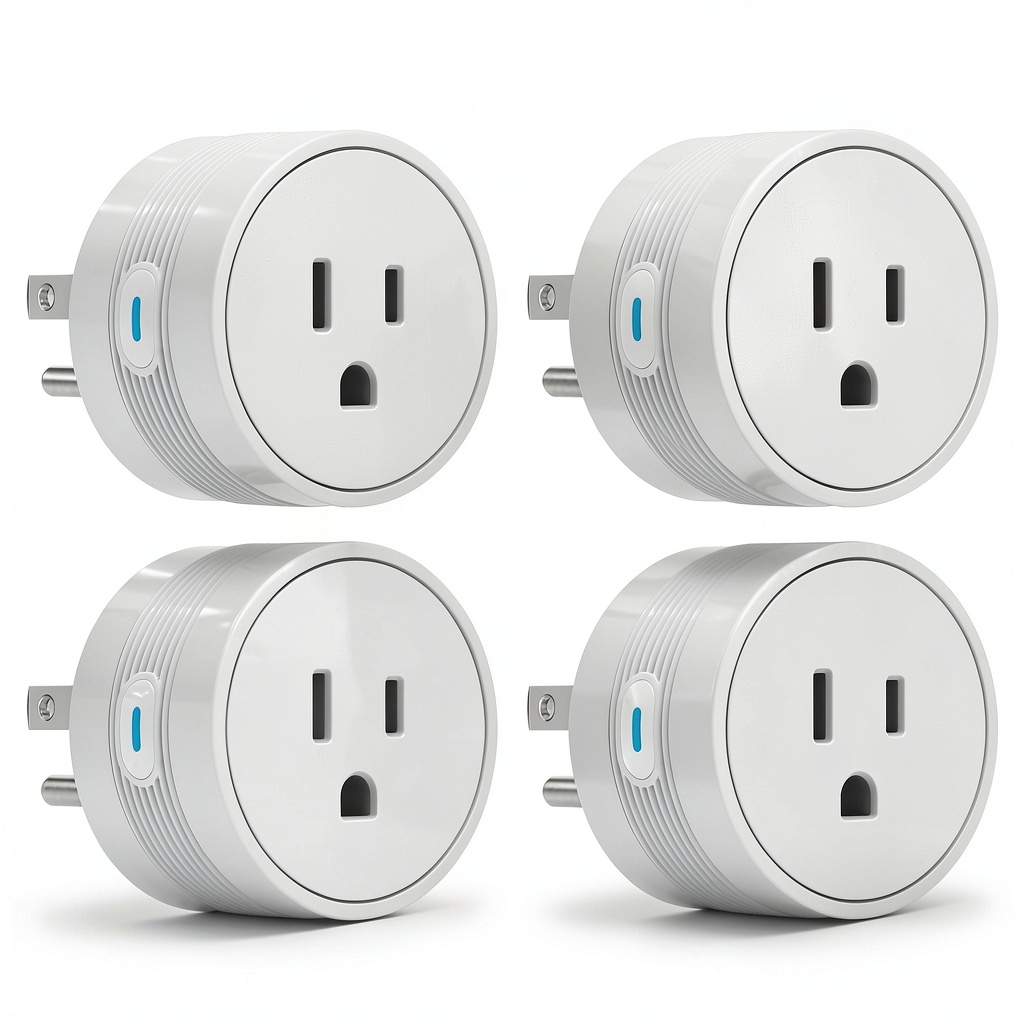
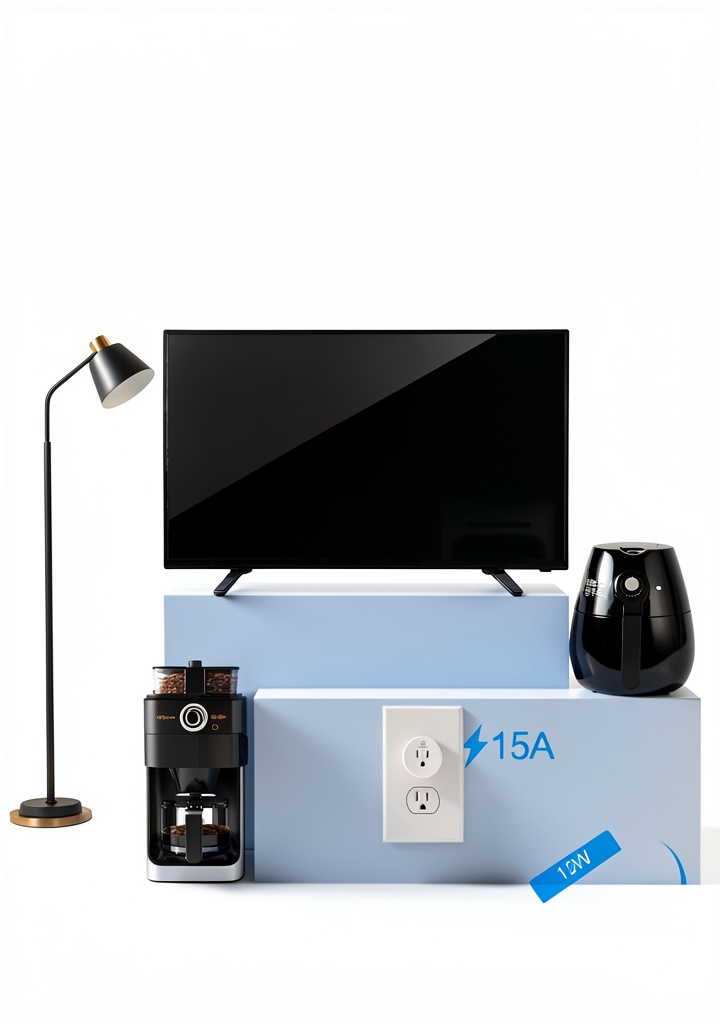
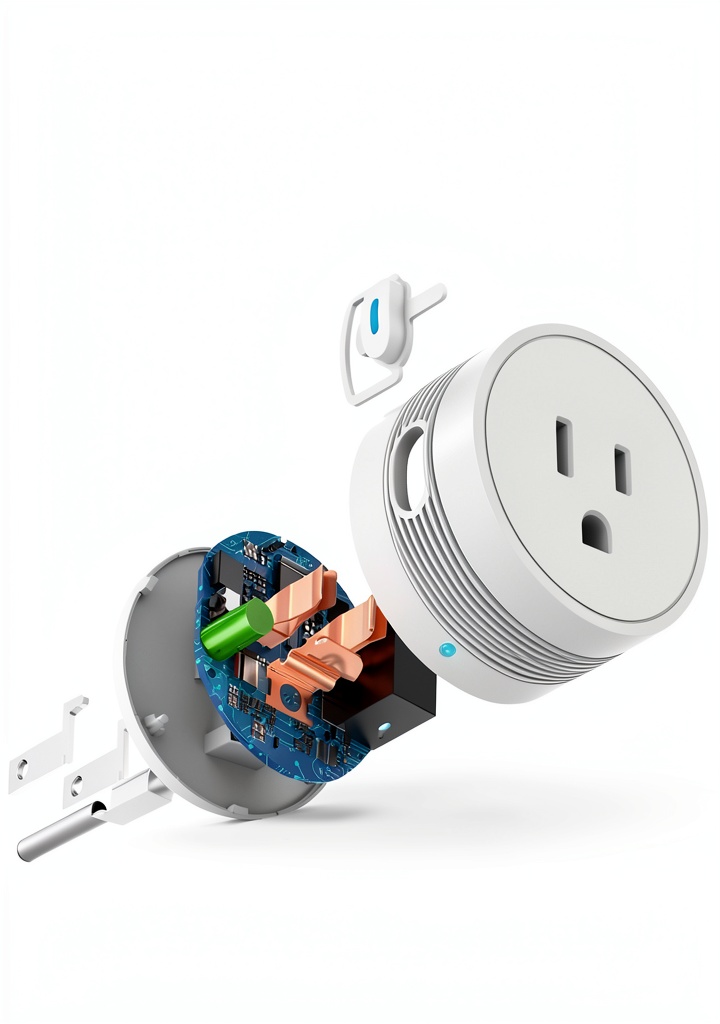
The EIGHTREE 2025 Smart Plug is engineered to bring reliable, high‑power control to modern homes. With a rated current of 15 amps, it comfortably handles demanding appliances such as air conditioners, space heaters, coffee makers, and other high‑wattage devices that typical 10 A plugs cannot support. The dual‑connection architecture lets users start with a fast Bluetooth pairing for initial configuration, then seamlessly transition to a dedicated 2.4 GHz Wi‑Fi channel for uninterrupted remote operation. This design eliminates the need for a separate hub while ensuring a stable connection even in crowded network environments. The plug’s compact form factor measures just 1.9 × 1.9 × 1.2 inches, allowing it to fit neatly into any outlet without blocking adjacent sockets. Its flame‑retardant housing, child‑safety shutters, and built‑in overload protection meet FCC and ETL certification standards, delivering peace of mind for families and renters alike.
Usage
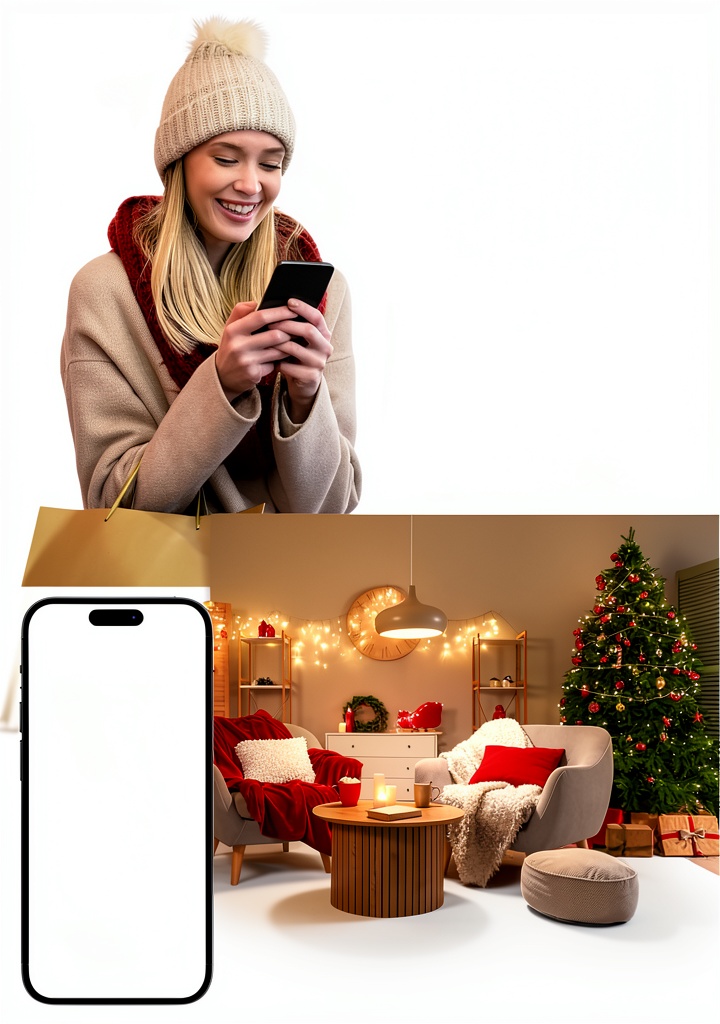
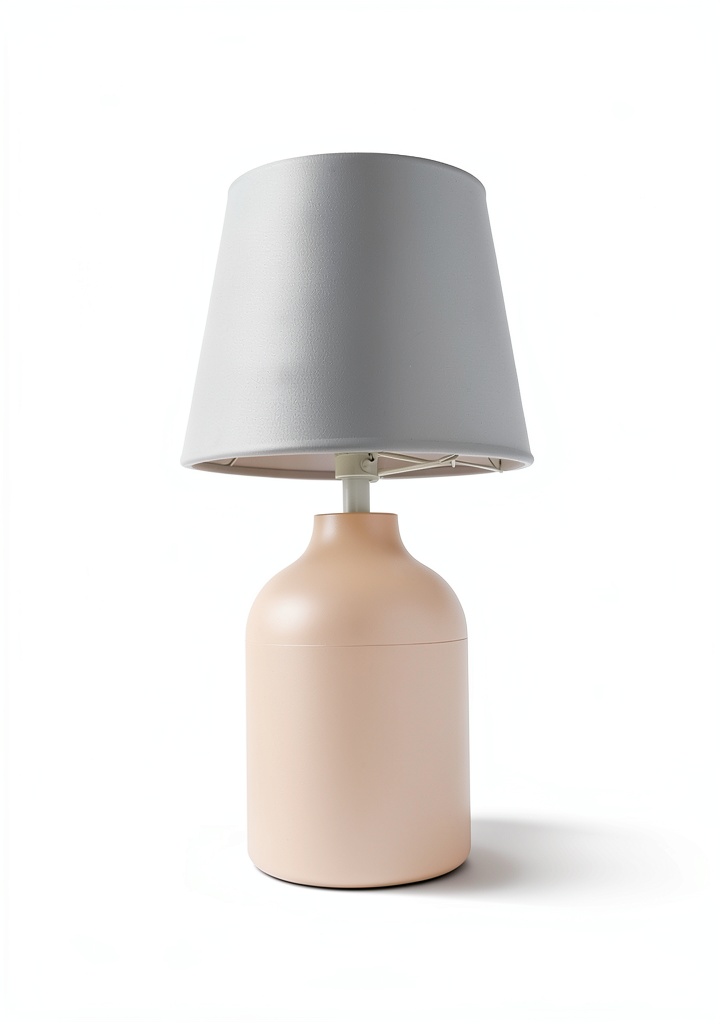
Designed for everyday convenience, the EIGHTREE Smart Plug fits seamlessly into a variety of living spaces. In the kitchen, users can schedule a coffee maker to start brewing before sunrise, ensuring a fresh cup is ready when they wake. In the living room, the plug can control a floor lamp or entertainment system, allowing voice commands through Alexa or Google Assistant to dim lights or power devices on demand. Home offices benefit from automated control of monitors and chargers, reducing standby power consumption. The plug’s robust 15 A rating also makes it ideal for seasonal equipment such as portable heaters in winter or electric fans in summer, providing safe, remote operation without overloading the circuit. Because it works with both Bluetooth and Wi‑Fi, users can set up the device on a smartphone while on the same network, then enjoy full remote access from anywhere, whether they are at work, on vacation, or simply in another room.
Why Choose Us
EIGHTREE stands out in the crowded smart‑home market by focusing on durability, safety, and user‑friendly design. The 15 A capacity is a clear differentiator, allowing the plug to power appliances that many competitors cannot handle. Each unit undergoes rigorous testing for temperature resistance, electrical stability, and mechanical durability, ensuring a product that lasts years under continuous use. The dual‑connection system eliminates the common frustration of unreliable Wi‑Fi signals; Bluetooth handles the quick initial setup, while the dedicated 2.4 GHz band provides a stable, low‑latency channel for ongoing control. Customer support is backed by a responsive service team that offers troubleshooting assistance, firmware updates, and a clear warranty policy. Additionally, the plug’s firmware is regularly updated to maintain compatibility with the latest Alexa and Google Assistant features, guaranteeing that users benefit from new voice‑control capabilities as they become available.
Key Features
- High‑power 15 A rating lets you safely control heavy‑duty appliances like AC units and heaters.
- Dual‑connection setup: start with Bluetooth, then switch to stable 2.4 GHz Wi‑Fi for remote access.
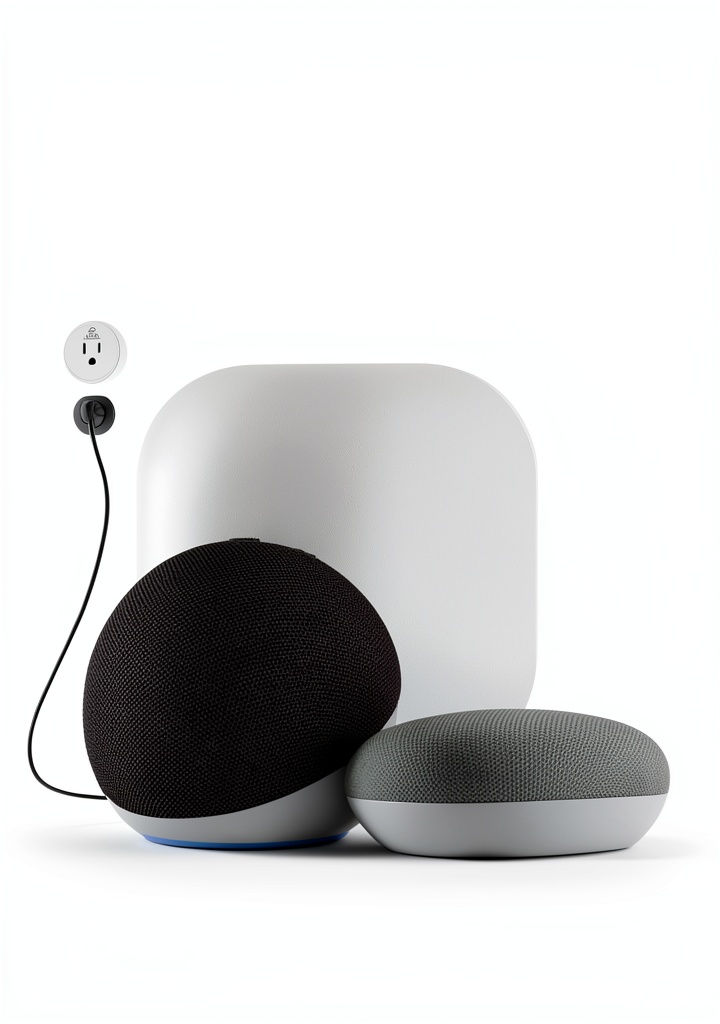
- Voice‑control compatibility with Alexa and Google Assistant enables hands‑free operation.
- Customizable schedules and countdown timers help automate routines and reduce energy waste.
- Flame‑retardant housing, child‑safety shutters, and overload protection provide added safety for families.
FAQ
How do I set up the smart plug?
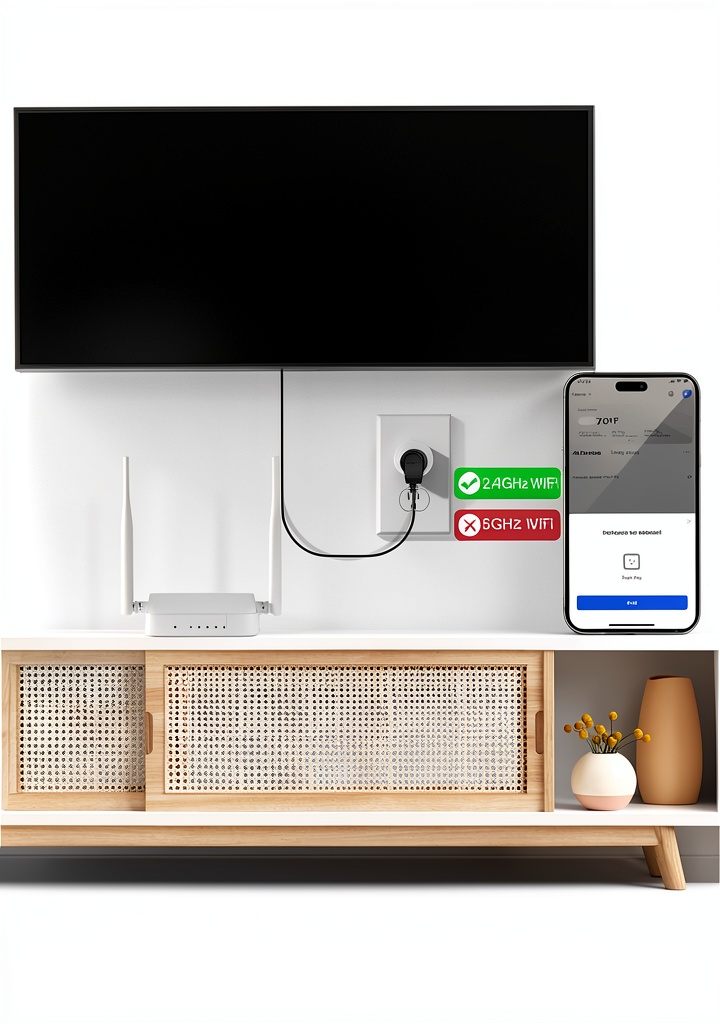
Begin by plugging the device into a standard 120 V outlet. Open the EIGHTREE app on your smartphone, select “Add Device,” and follow the on‑screen prompts to pair via Bluetooth. Once the initial configuration is complete, the app will guide you to connect the plug to your 2.4 GHz Wi‑Fi network for continuous remote control. The process typically takes less than five minutes, and the app provides visual cues to confirm a successful connection.
Can the plug be used with a 5 GHz Wi‑Fi network?
No. The EIGHTREE Smart Plug is designed specifically for the 2.4 GHz band, which offers better range and penetration through walls and obstacles. Attempting to connect to a 5 GHz network will result in a failed connection, so be sure your router broadcasts a 2.4 GHz signal.
Is the plug safe for use with high‑wattage devices?
Yes. With a 15 A rating and built‑in overload protection, the plug can safely handle devices up to 1800 W at 120 V. The flame‑retardant housing and certified safety standards ensure that even continuous operation of high‑power appliances remains secure.
What should I do if the plug stops responding?
If the device becomes unresponsive, first check that it is still powered and that your Wi‑Fi network is active. Restart the plug by unplugging it for ten seconds, then plug it back in. Re‑open the EIGHTREE app to verify the connection status. If the issue persists, consult the troubleshooting section in the app or contact EIGHTREE customer support for further assistance.
Does the smart plug support firmware updates?
Yes. The EIGHTREE app automatically notifies you when a new firmware version is available. Updating the firmware is a simple one‑tap process that ensures compatibility with the latest voice‑assistant features and improves overall performance and security.
Technical Specifications
Product Dimensions: 1.9 × 1.9 × 1.2 inches; Weight: 1.92 oz. Model Number: ET01. Certification: FCC, ETL. Wi‑Fi Standard: 802.11b/g/n (2.4 GHz only). Bluetooth Version: 4.2. Maximum Load: 15 A (1800 W at 120 V). Operating Temperature: 0 °C – 40 °C. Storage Temperature: -20 °C – 60 °C. Input Voltage: 100‑240 V AC, 50/60 Hz.
Installation Guide
1. Plug the smart outlet into a wall socket that is not controlled by a separate switch. 2. Download the EIGHTREE app from the Apple App Store or Google Play Store. 3. Create an account or log in if you already have one. 4. Follow the in‑app instructions to pair the plug via Bluetooth. 5. After pairing, select your home Wi‑Fi network (2.4 GHz) and enter the password. 6. Once connected, assign the device to a room, name it, and set any desired schedules or timers. 7. Enable voice‑assistant integration by linking the EIGHTREE account with Alexa or Google Home through their respective apps. 8. Test the plug by turning it on and off from the app or using a voice command.
Customer Support
EIGHTREE provides 24/7 email support and a dedicated help center with step‑by‑step guides, video tutorials, and a community forum. All smart plugs come with a one‑year limited warranty covering manufacturing defects. If you encounter any issues, our support team will work with you to resolve the problem quickly, including offering replacement units when necessary.
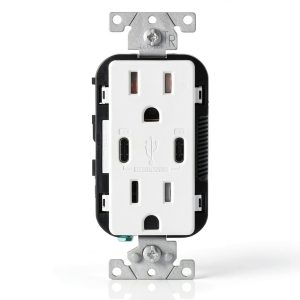
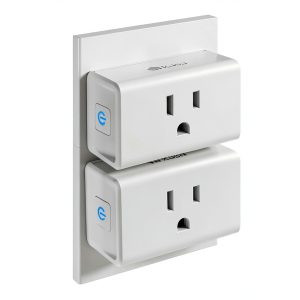
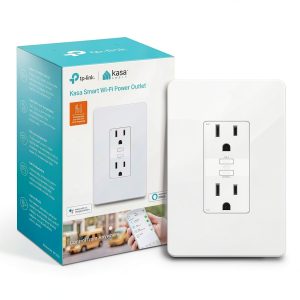 Kasa Smart Plug KP200 In-Wall Wi‑Fi Outlet White 1 Pack ETL Certified
Reviews
There are no reviews yet.